

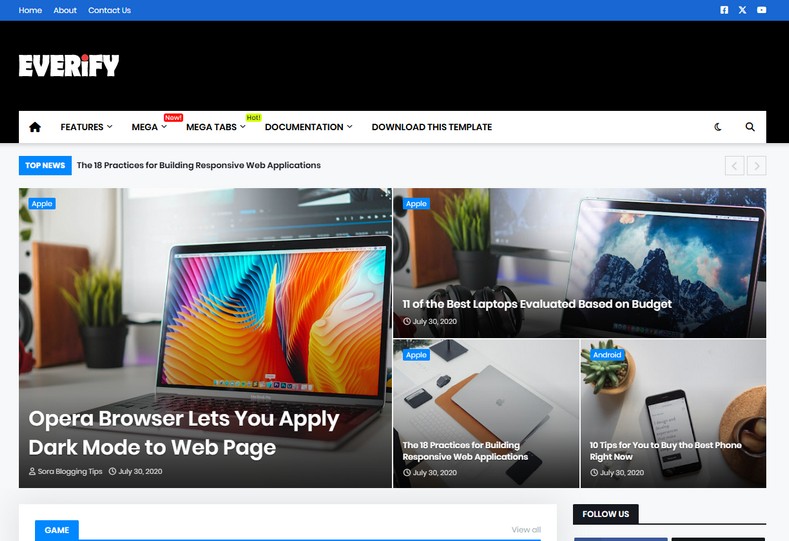
Dominate Search Rankings with Everify Responsive Blogger Theme
While publishing high-quality editorial content is crucial for organic reach, content alone cannot secure first-page rankings without an underlying codebase optimized for modern search engine algorithms. Everify Blogger Template is engineered specifically to resolve technical indexing bottlenecks. It pairs semantic HTML5 hierarchy with clean JSON-LD structured metadata, enabling Googlebot and major web crawlers to parse your articles effortlessly. You can access the complete setup archive via our Direct Download Link to inspect the theme package.
Compliant with the Latest Google Search Algorithm Updates
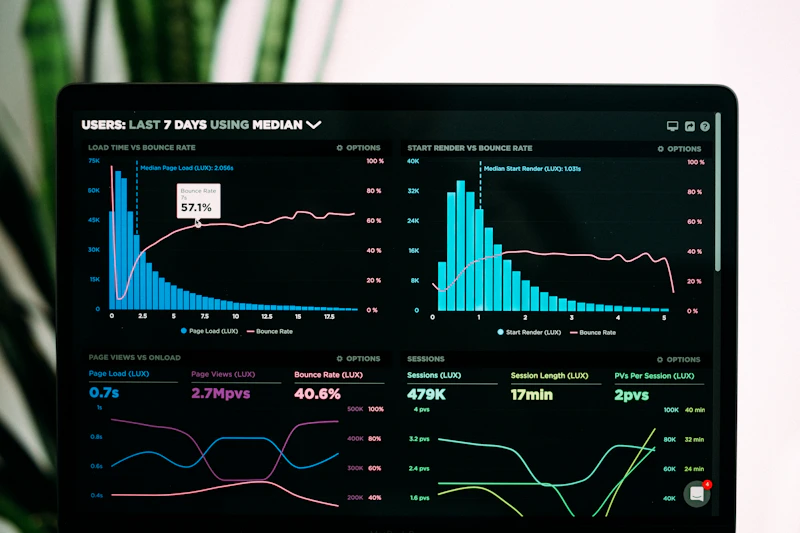
Search engines frequently refine their indexing standards to prioritize lightweight, mobile-first pages with balanced heading tags (H1-H4) and fast cumulative layout shifts (CLS). Everify eliminates code bloat, providing near-instant First Contentful Paint (FCP) scores on desktop and mobile browsers alike.
Core SEO & Performance Capabilities
- Clean Schema.org Structured Data: Includes native rich snippets for articles, breadcrumb navigation, author authority, and publication dates directly out of the box.
- Balanced Headings Hierarchy: Strict semantic markup ensures that H1, H2, and H3 tags maintain optimal search keyword relevance without keyword stuffing. You can test the Fast Mirror Source to review theme demo layouts.
- Core Web Vitals Optimized: Fully asynchronous JavaScript and optimized CSS ensure low Latency, high Interaction to Next Paint (INP), and minimal CLS impact.
- High-CTR AdSense Slots: Pre-calculated ad containers in the header, inside article bodies, and sidebar widgets maximize visibility without hurting site speed.
- Native Breadcrumb Navigation: Improves visitor site orientation while feeding clear URL taxonomy straight to Google search snippet results.
Technical Specifications
Installation & Setup Guide
- Use the Download Official Package link to download
Everify-Free-Version-1.0.zip. - Extract the ZIP file on your computer or smartphone to locate the XML template file.
- Log into your Blogger Dashboard, navigate to Theme, click the dropdown next to Customize, and select Restore.
- Upload the extracted XML document to implement the clean SEO code.
- Head to the Layout tab to add your meta description, header logo, and social profile links.


